Your IPTV, made for the remote.
A fast, simple IPTV player for your TV. Log in with your provider's Xtream Codes or M3U link and watch live TV, movies and series, with a full guide and voice search.
Works on Amazon Fire TV · Google TV · Android TV · onn · Nvidia Shield
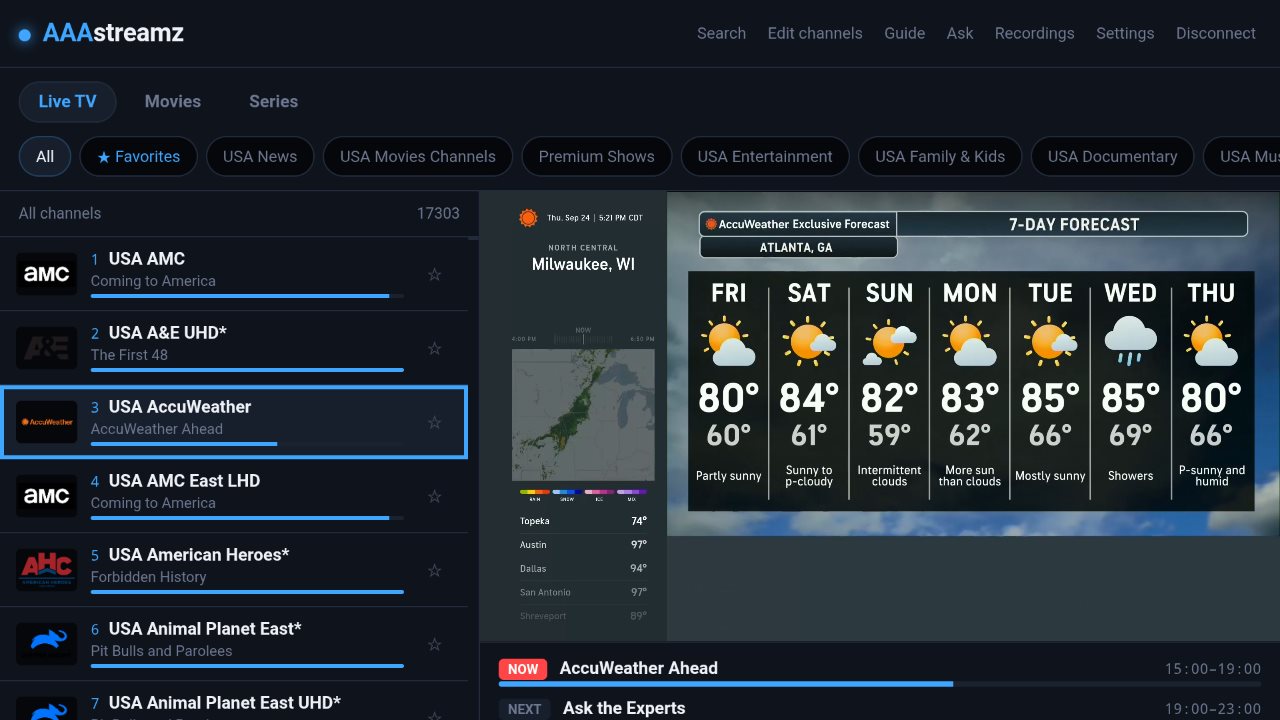
What it does
Everything is built to be quick with a TV remote. No tiny buttons and no endless menus.
Live TV + Guide
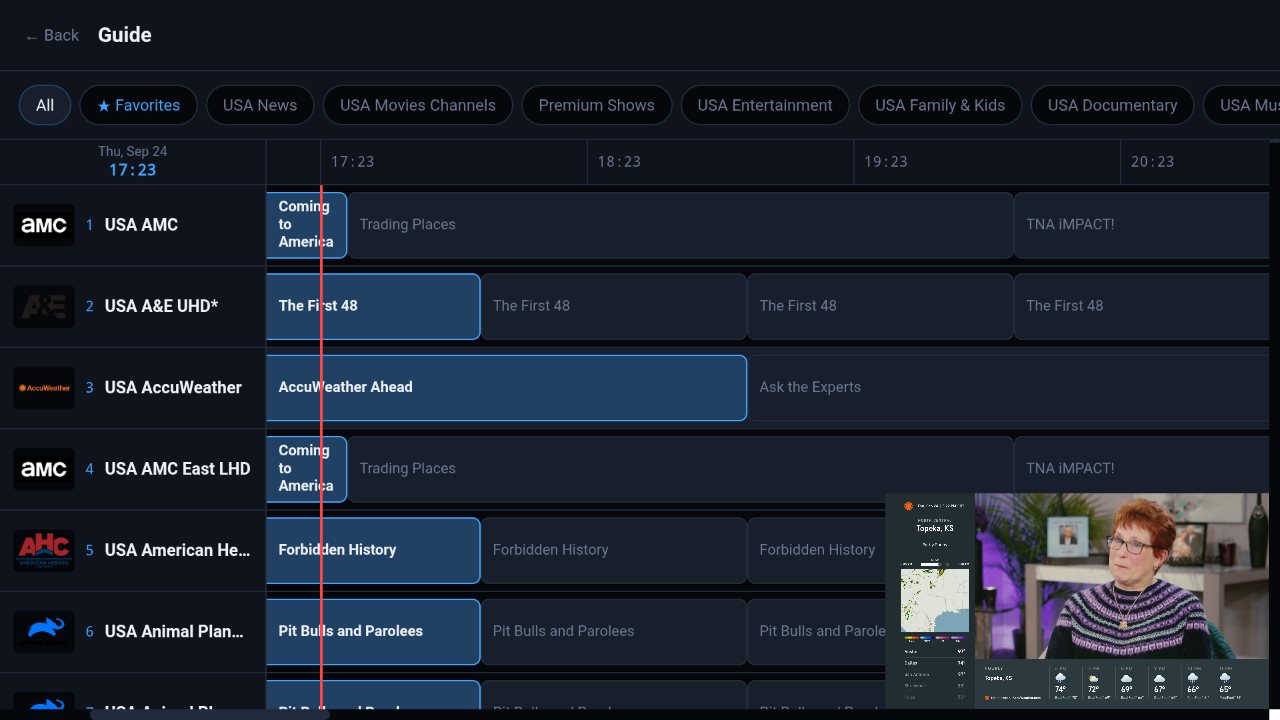
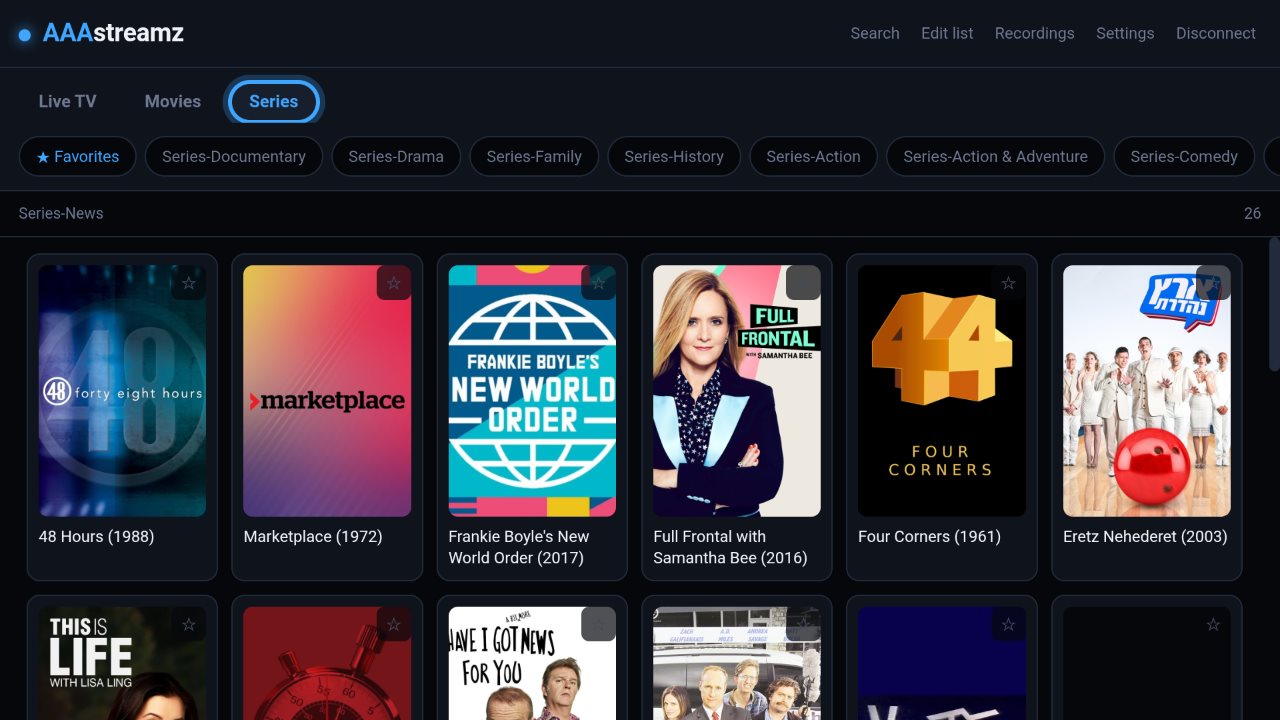
Browse by category, star favorites, jump back to recent channels, and see what's on now and later in a full TV guide.
How to use it →Movies & Series
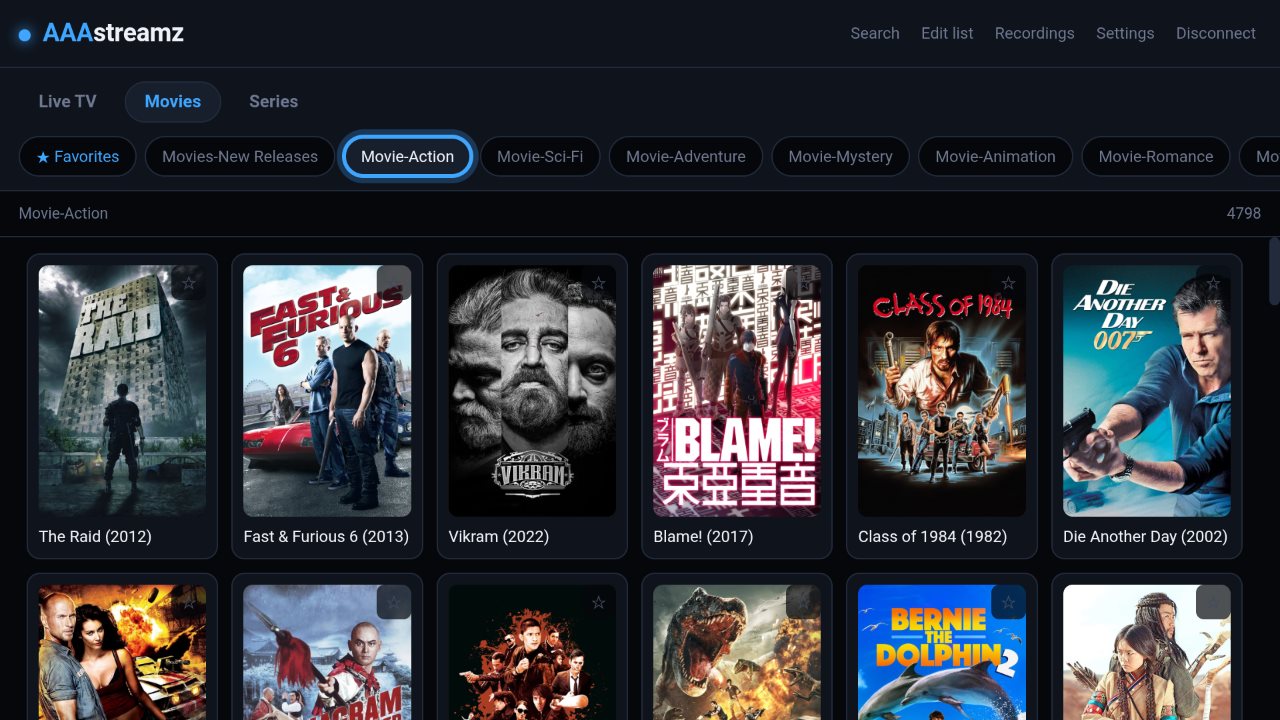
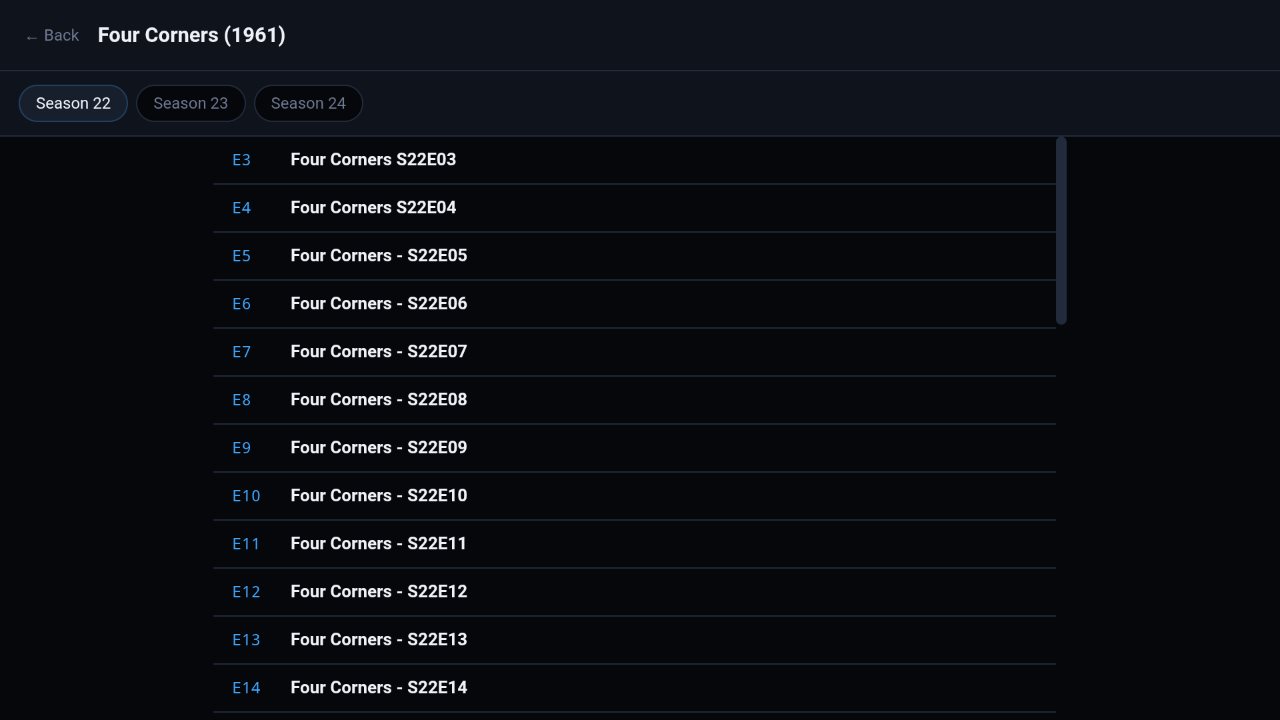
Pick up where you left off, skip 10 seconds with the remote, and switch audio language and subtitles.
How to use it →Say "play CNN"
Search by voice or words. Start with "play" or "watch" and the channel starts by itself.
How to use it →Phone remote
Scan a QR code and your phone becomes a remote with a keyboard, which makes typing much easier.
How to use it →Your lists, your order
Move channels, movies, shows and categories where you want them, and hide the ones you never watch.
How to use it →Starts where you left off
Opens straight to your last channel, full screen or in the small window. Your choice.
How to use it →Parental PIN & accounts
Lock categories behind a PIN, and switch between more than one provider.
How to use it →Speed test
Checks your internet and your provider separately, so you know which one is causing buffering.
How to use it →Read the full instruction manual → · See what's new in each version →
Screenshots
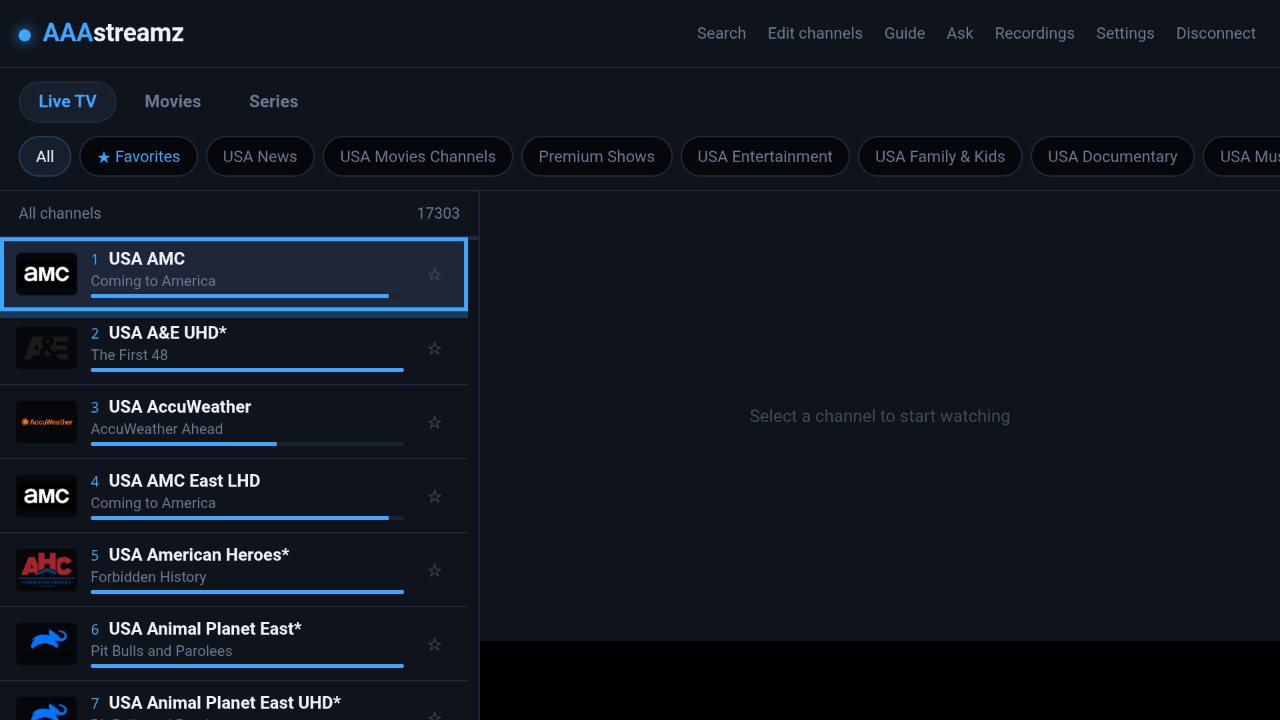
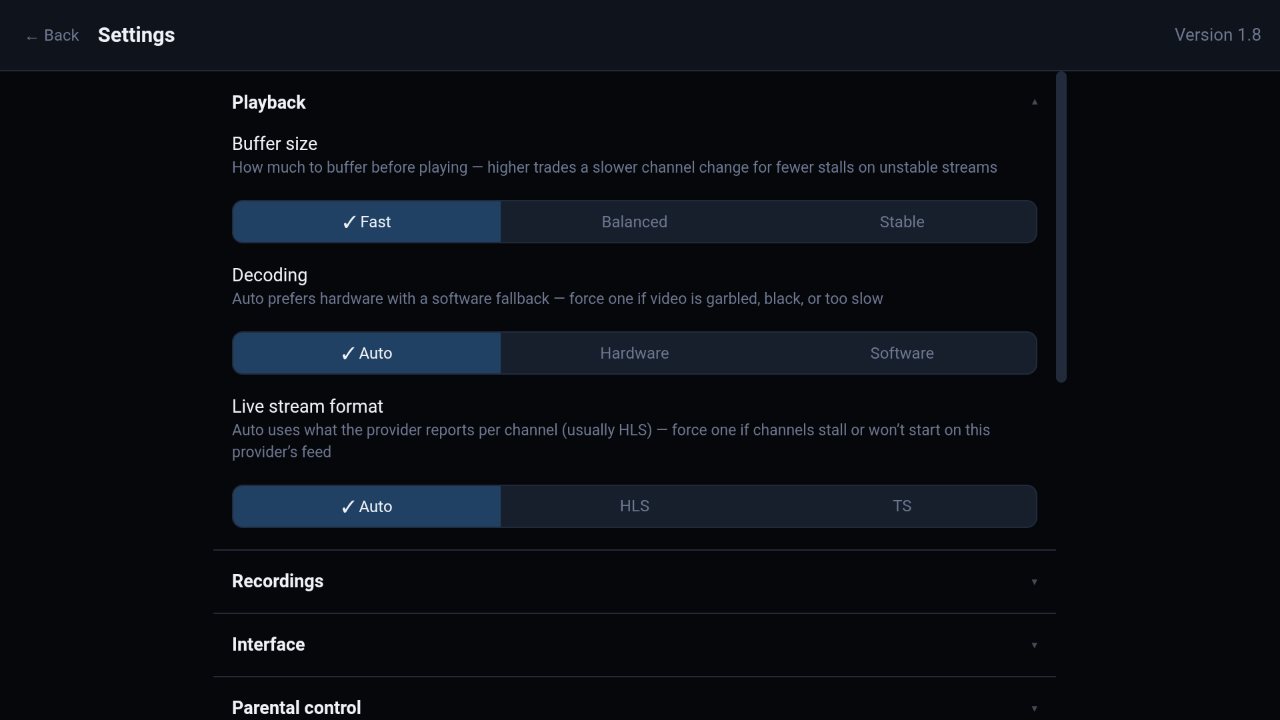
Taken on an Nvidia Shield. Channels, movies and shows come from your own provider. Click any picture to see it full size.
Install on your TV
You do this on the TV box itself with the remote, and only once. After that, updates install from inside the app.
Get the free "Downloader" app
On the TV, open the app store (Amazon Appstore on Fire TV, Google Play on Google TV, Android TV, onn and Shield), search Downloader (the orange app by AFTVnews) and install it.
Let Downloader install apps
- Fire TV: Settings › My Fire TV › Developer Options › Install unknown apps › Downloader: On.
No Developer Options? Go to Settings › My Fire TV › About and click the device name 7 times. - Google TV / Android TV / onn / Shield: Settings › System › About, click Android TV OS build 7 times. Then Settings › Apps › Security & restrictions › Unknown sources › Downloader: On.
Enter the code in Downloader
Press # (or click the address box), type this code and press Load:
4827015Or the full address: https://f005.backblazeb2.com/file/AAAstreamz/aaastreamz.apk
Install, then open
Press Install, then Open. When Downloader offers to delete the file, press Delete. The app stays installed.
Enjoying AAAstreamz?
AAAstreamz is free, with no ads. If it's made your TV nights better, you can buy us a coffee. Every tip helps keep updates coming.